
$83.63
Add to Cart
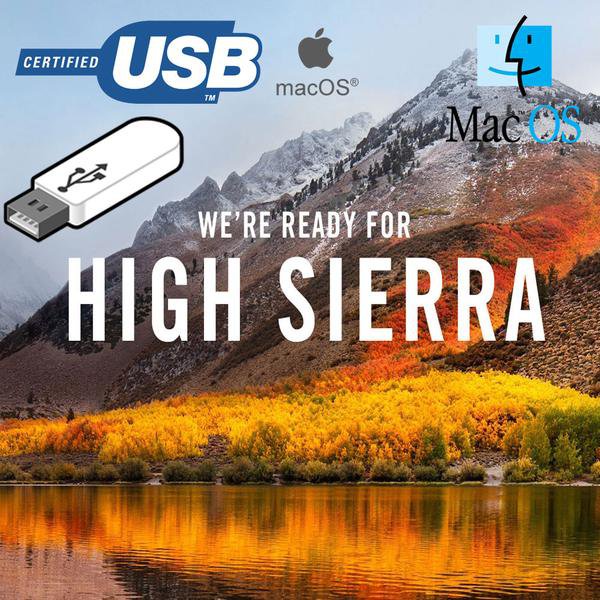
Apple Mac OS X 10.13 High Sierra Recovery Repair Reinstall USB
More than 10 available
Details
Shipping: Australia: $14.00 (more destinations)
Condition: Brand new
Returns: 14 days, buyer pays return shipping (more)
*The store has not been updated recently. You may want to contact the merchant to confirm the availability of the product.


This USB can be used to install a clean copy of Apple Mac OS X High Sierra or to update your existing system to OS X High Sierra.
Installing, Recovering or upgrading your software from a USB is NOT a quick process and can take 30-45 minutes to complete. Please be patient and allow the process plenty of time to finish.
System Requirements
Mac with an Intel Processor
Minimum 2GB of RAM
Minimum 9GB of disk space available
Supported Models
iMac :Late 2009 onwards
MacBook Air :Late 2010 onwards
MacBook :Late 2009 onwards
Mac Mini :Mid 2010 onwards
MacBook Pro :Mid 2010 onwards
Mac Pro :Mid 2010 onwards
Installation Instructions
Insert the USB in your USB Slot. It should appear on your desktop. Do NOT click on it.
Restart your mac.
As soon as you hear the startup chime press and hold the option [ALT] key on your keyboard.
Choose start from USB symbol.
Installing, Recovering or upgrading your software from a USB is NOT a quick process and can take 30-45 minutes to complete. Please be patient and allow the process plenty of time to finish.
System Requirements
Mac with an Intel Processor
Minimum 2GB of RAM
Minimum 9GB of disk space available
Supported Models
iMac :Late 2009 onwards
MacBook Air :Late 2010 onwards
MacBook :Late 2009 onwards
Mac Mini :Mid 2010 onwards
MacBook Pro :Mid 2010 onwards
Mac Pro :Mid 2010 onwards
Installation Instructions
Insert the USB in your USB Slot. It should appear on your desktop. Do NOT click on it.
Restart your mac.
As soon as you hear the startup chime press and hold the option [ALT] key on your keyboard.
Choose start from USB symbol.


 GB, East Sussex